Access checks
Mobile access and package safety
Android decision path
The safest result of an APK search may be choosing not to download anything. Start with the provider and operator domains. If neither publishes an Android package or links to a verified store listing, treat third-party files as unauthenticated. A filename, icon and version number can be copied easily.
If an operator does publish an app, compare the legal publisher, package identifier, certificate information, version history and update channel. Read the requested permissions before installation. Contacts, SMS, accessibility services, device administration and microphone access need a clear product reason; unexplained requests are a reason to stop.
iPhone and home-screen shortcuts
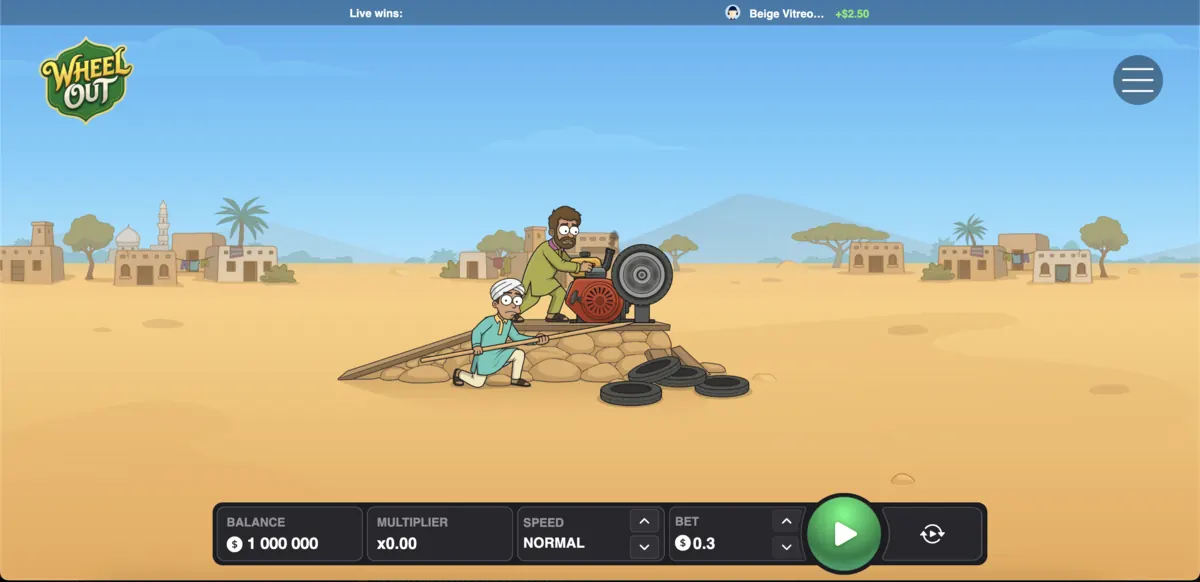
No Wheel Out App Store listing was verified. A website can still offer mobile browser access, and Safari can add a normal website shortcut to the home screen. A shortcut is not a native app and does not prove offline play, push notifications or a separate security review. The URL should remain visible and belong to the verified operator.
To add a trusted web page, open it in Safari, use the Share menu, choose Add to Home Screen, review the displayed name and domain, then confirm. Remove the shortcut if the domain changes or if it begins requesting unexpected profile installation.
Browser requirements
The project evidence supports a browser-delivered game but does not establish minimum OS, RAM or storage specifications. Publishing exact Android or iOS versions without a provider source would be guesswork. Use a current browser, install security updates, keep enough free storage for browser data and close background apps if animation becomes unstable.
A slow route can come from network delay, device load or the operator platform. Do not press Spin repeatedly when the interface is unresponsive. Check the balance and round history before retrying so a delayed action is not mistaken for a failed action.
Troubleshooting without unsafe fixes
For a blank game frame, refresh once, check whether scripts and cookies required by the operator are blocked, and try the operator’s documented browser list. For login trouble, use the official password-recovery route. For location errors, check eligibility rather than searching for a bypass. For a failed update, return to the verified publisher instead of downloading a “patched” copy.
Never disable Play Protect, antivirus or browser security because a download page tells you to. Do not install certificates or configuration profiles from an unknown host. A legitimate support answer should explain the publisher, file and reason, not pressure the user to remove device protections.
File verification record
When a legitimate publisher supplies a checksum or signature, record the source URL, download date, file version and published digest. Compare the values before installation. A clean malware scan is useful but not conclusive; a malicious or deceptive package can be new enough to avoid detection.
After installation, check network use, battery activity, notification behaviour and permissions. Uninstall the app and change account credentials if it redirects to a different domain, displays unrelated offers, requests accessibility control or behaves differently from the publisher description.
Why no download button appears here
Wheels-out.com does not possess a provider-signed package and cannot authenticate a third-party file. A download button would imply a level of trust the evidence does not support. The page answers mobile intent with browser guidance and verification steps, which is more useful than relabelling an unknown binary as official.
Permission review after an update
App permissions can change between versions. Review the changelog and permissions after every update, especially when the package begins requesting access unrelated to sign-in, media playback or notifications. An update delivered from a different domain or signed by a different publisher deserves the same caution as a first installation.
Remove cached installers after installation so an older package is not reused later. Keep the operating system and browser updated, use a device lock, and avoid gambling apps on a shared or rooted device where account tokens and payment data may be exposed.
Phishing and clone pages
Clone pages often use search adverts, urgent countdowns, copied screenshots and a prominent APK button. Check spelling, certificate details, legal pages and navigation before trusting the page. A request to contact an agent on a messaging app for the “latest file” bypasses the normal publisher chain and should be rejected.
Never enter operator credentials into an app until the publisher and domain are verified. If credentials were entered into a suspicious package, disconnect the device, remove the app, change the password through the genuine operator, enable multi-factor authentication and contact official support.
Mobile play and safer pacing
Mobile convenience can reduce friction between rounds. Use operating-system screen-time tools, operator limits and external timers. Do not play while driving, working, caring for another person or when network instability makes the stake and balance hard to read.
Uninstall and incident response
Before uninstalling a suspicious app, note its package name, publisher display and permissions if doing so is safe. Remove device-administrator or accessibility privileges through system settings, uninstall the package, run the platform security scan and review recently installed profiles or certificates.
Then change operator and email passwords from a clean device, revoke unknown sessions and monitor payment activity. Contact the genuine operator and payment provider if credentials or transaction data may have been exposed. These steps address device risk; they do not prove the package was an official Wheel Out app.
Backups and account recovery
Keep device backups current, but do not restore a suspicious installer from a backup after removal. Save recovery codes for email and operator accounts in a secure place outside the phone. If the device is lost, use the platform’s remote-lock tools, revoke active operator sessions and notify the payment provider when stored payment access may be exposed.